Implementing Blue-Green Agent Version Deployments with Zero Downtime in Vertex AI
Blue-green deployments for AI agents solve the critical challenge of updating production systems without service interruption. This guide details the architecture patterns, traffic routing strategies, and rollback mechanisms I've implemented for enterprise agent deployments on Google Cloud.

Brandon Lincoln Hendricks
Autonomous AI Agent Architect
What is Blue-Green Deployment for AI Agents?
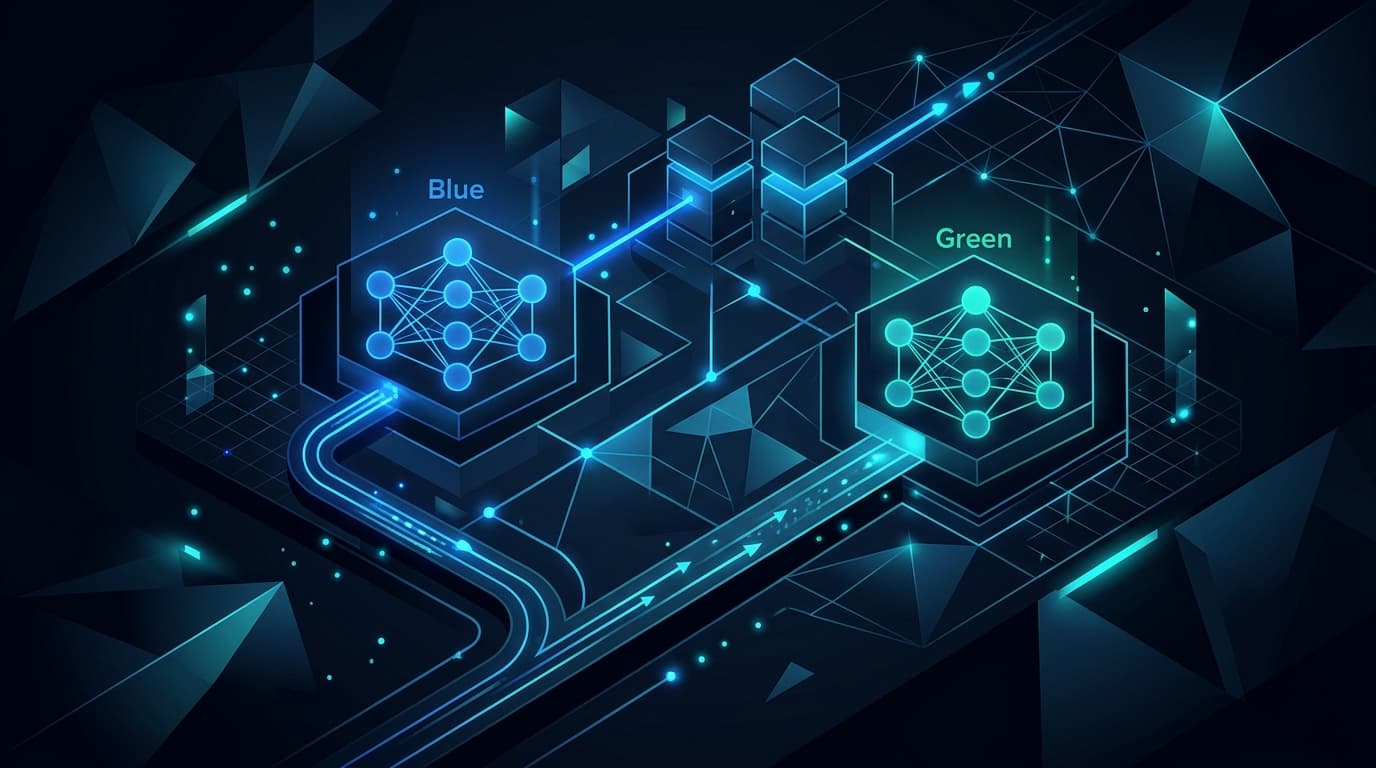
Blue-green deployment for AI agents represents a production deployment pattern where two complete, identical agent environments run simultaneously, with only one serving live traffic at any time. The blue environment serves current production traffic while the green environment stages the new agent version, enabling instant traffic switching with zero downtime.
I've implemented this pattern across multiple enterprise agent deployments on Google Cloud, particularly for systems where even seconds of downtime translate to significant business impact. The architecture eliminates the risks associated with in-place agent updates while providing immediate rollback capabilities.
The pattern becomes essential when deploying agents that handle critical business workflows, customer interactions, or real-time decision-making processes. Unlike traditional software deployments, agent deployments must account for stateful conversations, context preservation, and the non-deterministic nature of AI responses.
Why Blue-Green Matters for Production Agents
Production AI agents face unique deployment challenges that blue-green architectures specifically address. Agent version changes can introduce subtle behavioral shifts that only manifest under specific conversation patterns or edge cases. These changes might pass all automated tests yet still degrade user experience in production.
Traditional rolling deployments fail for agents because they create periods where different users interact with different agent versions, leading to inconsistent experiences and potential confusion. A customer might start a conversation with version 1.2 and have their next interaction routed to version 1.3, breaking conversation continuity.
Blue-green deployments solve this by ensuring all users interact with the same agent version at any given time. The atomic nature of the traffic switch means you either serve all traffic with the new version or none at all, maintaining consistency across the user base.
Core Architecture Components
Vertex AI Endpoint Configuration
The foundation of blue-green agent deployments in Vertex AI relies on endpoint traffic management. Each environment requires its own model endpoint, with traffic distribution controlled at the endpoint level rather than the model level.
I structure the endpoints with clear naming conventions: prod-agent-blue and prod-agent-green. Each endpoint hosts a complete agent deployment including the base model, any fine-tuned adapters, retrieval augmented generation components, and associated prompt templates.
The endpoints connect to shared resources like BigQuery datasets and Cloud Storage buckets through IAM policies that both blue and green environments can access. This shared resource model reduces infrastructure costs while maintaining deployment isolation.
Traffic Routing Layer
Traffic routing operates through Google Cloud Load Balancing with URL maps directing requests to the active environment. The load balancer configuration includes health checks that validate not just endpoint availability but actual agent responsiveness.
I implement custom health check endpoints that execute simple agent interactions, verifying the agent can process requests and generate coherent responses. These health checks run every 5 seconds with a failure threshold of 3 consecutive failures before marking an environment unhealthy.
The routing rules include percentage-based traffic splitting for gradual migrations. Starting with 5% traffic to green allows real-world validation before committing to full migration.
State Management Architecture
Agent state management presents the most complex challenge in blue-green deployments. Agents maintain conversation context, user preferences, and session data that must persist across deployment switches.
I solve this through external state storage in Firestore, with both blue and green environments reading and writing to the same state collections. The state schema must remain backward compatible across versions, requiring careful planning of any structural changes.
Session affinity ensures users remain connected to the same environment throughout their conversation. The load balancer maintains session cookies that persist for the typical conversation duration, preventing mid-conversation environment switches.
How to Implement Blue-Green Deployments Step by Step
Initial Setup Phase
Begin by establishing your blue environment as the current production system. This involves creating the Vertex AI endpoint, deploying your agent model, and configuring all necessary integrations. Document every configuration setting, as the green environment must replicate these exactly.
Create automated deployment scripts using Terraform or Cloud Deployment Manager. These scripts should parameterize environment-specific values while maintaining consistency in core configurations. I maintain separate variable files for blue and green environments, with shared modules defining common infrastructure.
Set up comprehensive monitoring across both environments. This includes Vertex AI model monitoring for prediction drift, custom metrics for agent-specific behaviors, and Cloud Logging for detailed interaction logs.
Green Environment Preparation
Deploy the new agent version to the green environment while blue continues serving production traffic. The deployment process must include all components: the model itself, any preprocessing functions, prompt templates, and retrieval configurations.
Validate the green environment through automated test suites that simulate production traffic patterns. I run these tests for at least 24 hours to capture various usage patterns and edge cases. The test suite includes conversation flows, error handling scenarios, and performance benchmarks.
Enable shadow traffic to the green environment, where it processes copies of production requests without returning responses to users. This provides real-world validation without risk, revealing issues that synthetic tests might miss.
Traffic Migration Process
Begin traffic migration with canary deployment principles. Route 5% of traffic to the green environment while monitoring key metrics. I track response latency, error rates, task completion rates, and user satisfaction scores through embedded feedback mechanisms.
Gradually increase traffic to green in increments: 5%, 10%, 25%, 50%, 100%. Each increment requires a stability period where metrics remain within acceptable thresholds. The duration depends on traffic volume but typically ranges from 15 minutes for high-traffic agents to several hours for lower-volume deployments.
Maintain the blue environment in standby throughout the migration. This enables instant rollback if metrics degrade or unexpected issues arise. The blue environment continues receiving health check traffic to ensure it remains ready for immediate activation.
Post-Migration Activities
After successfully migrating all traffic to green, maintain blue as a standby for at least 48 hours. This period allows detection of longer-term issues that might not manifest immediately.
Update your deployment automation to reflect green as the new baseline for future deployments. The next deployment cycle will use blue as the staging environment, reversing the roles.
Analyze deployment metrics to refine your migration process. I maintain deployment runbooks that capture lessons learned, optimal migration speeds for different agent types, and metric thresholds that triggered rollbacks.
Managing Stateful Conversations During Transitions
Stateful conversation management represents the most significant technical challenge in agent blue-green deployments. Unlike stateless services, agents must maintain context across multiple interactions, potentially spanning hours or days.
I implement conversation state externalization where all context lives outside the agent runtime. Each conversation maintains a unique session ID that both blue and green environments can use to retrieve state from Firestore. The state includes conversation history, extracted entities, user preferences, and any task-specific context.
The state schema must support version compatibility. New agent versions might extract additional entities or maintain richer context, but they must gracefully handle state created by previous versions. I achieve this through optional fields and version markers in the state documents.
Transition handling requires careful session management. Active conversations stay pinned to their current environment through session affinity, preventing mid-conversation switches. New conversations route to the target environment based on current traffic percentages.
Monitoring and Observability Strategies
Real-Time Performance Metrics
Effective blue-green deployments demand comprehensive monitoring across both environments. I implement multi-layered observability starting with infrastructure metrics like CPU usage and memory consumption, extending through application metrics like request latency and error rates, reaching agent-specific metrics like task completion rates and conversation quality scores.
Vertex AI provides built-in monitoring for model endpoints, tracking prediction latency and throughput. I augment this with custom metrics exported to Cloud Monitoring, including average conversation length, user goal achievement rates, and fallback trigger frequencies.
Real-time dashboards in Cloud Monitoring display side-by-side metrics for blue and green environments. Critical metrics trigger alerts when divergence exceeds acceptable thresholds, enabling rapid response to deployment issues.
Conversation Quality Tracking
Agent quality metrics extend beyond traditional application performance indicators. I track semantic consistency between versions using embedding comparisons of responses to identical prompts. Significant embedding distance indicates behavioral changes that might impact user experience.
User feedback integration provides qualitative metrics alongside quantitative measures. Post-conversation surveys capture satisfaction scores, task completion success, and specific issues encountered. This feedback routes to BigQuery for analysis, with real-time aggregation informing deployment decisions.
Anomaly detection models trained on historical conversation patterns identify unusual behaviors in new deployments. These models flag conversations that deviate from established patterns, even when they don't trigger explicit errors.
Rollback Procedures and Emergency Protocols
Automated Rollback Triggers
Automated rollback mechanisms protect against degraded performance or critical failures. I configure multiple trigger conditions including error rate thresholds exceeding 5% over a 2-minute window, p99 latency increasing by more than 50%, or health check failures on the active environment.
The rollback process executes through Cloud Functions triggered by monitoring alerts. The function updates the load balancer configuration to route all traffic back to the previous stable environment, typically completing within 10 seconds.
Rollback events generate detailed audit logs capturing the trigger condition, metric values at rollback time, and any manual override decisions. These logs prove invaluable for post-incident analysis and process improvement.
Manual Intervention Workflows
While automation handles most rollback scenarios, manual intervention remains necessary for subtle quality degradations that metrics might not capture. I maintain runbooks detailing manual rollback procedures, decision criteria, and escalation paths.
The manual process includes verification steps to confirm the standby environment remains healthy, communication protocols to notify stakeholders, and documentation requirements for decision rationale. Manual rollbacks typically complete within 2 minutes from decision to execution.
Post-rollback procedures focus on preserving the failed environment for analysis. I snapshot the green environment configuration, logs, and metrics before any modifications, enabling thorough root cause analysis without time pressure.
Testing Strategies for Agent Versions
Shadow Traffic Testing
Shadow traffic testing provides the most accurate validation of new agent versions before production exposure. I implement traffic mirroring at the load balancer level, duplicating incoming requests to both blue and green environments.
The shadow testing framework captures both environment responses without returning the green response to users. Response comparison algorithms identify semantic differences, measuring embedding distance and key entity extraction variations.
Shadow testing runs continuously during the staging period, processing thousands of real conversations. BigQuery aggregates the comparison results, highlighting patterns of divergence that might indicate issues with the new version.
Synthetic Transaction Testing
Automated test suites generate synthetic conversations covering common interaction patterns and edge cases. I maintain test libraries with hundreds of conversation flows, each validating specific agent capabilities.
The synthetic tests run on schedules throughout the deployment process, providing consistent baselines for comparison. Tests include happy path validations, error handling scenarios, and conversation recovery patterns.
Performance benchmarks form part of synthetic testing, measuring response generation time across various prompt complexities. These benchmarks ensure new versions maintain or improve performance characteristics.
Handling Database and Schema Evolution
Database schema changes during agent deployments require careful orchestration to maintain compatibility across versions. I employ expand-contract migration patterns where schema changes happen in phases that support both old and new agent versions.
The expansion phase adds new fields or tables without removing existing structures. Both blue and green agents must handle the expanded schema gracefully, with new versions utilizing additional fields while old versions ignore them.
Data migration scripts run as background jobs, populating new fields based on existing data or agent-processed enrichments. These migrations must be idempotent and interruptible, supporting stop-and-resume operations.
The contraction phase only executes after fully retiring the old agent version. This might happen days or weeks after the initial deployment, ensuring no active systems depend on deprecated schema elements.
Best Practices and Lessons Learned
Successful blue-green agent deployments depend on rigorous preparation and standardized processes. Every deployment should follow identical procedures, reducing human error and enabling automation.
Maintain detailed deployment checklists covering pre-deployment validation, migration steps, monitoring checkpoints, and rollback criteria. These checklists evolve with each deployment, incorporating lessons learned and process improvements.
Communication protocols prove critical for smooth deployments. Stakeholders need clear notification of deployment windows, progress updates during migration, and immediate alerts for any issues. I use automated Slack notifications integrated with deployment scripts.
Capacity planning must account for running dual environments. While blue-green deployments double infrastructure costs during migration periods, the investment pays off through reduced downtime and deployment risk. Plan for peak capacity in both environments to handle full production load.
Regular deployment drills keep teams prepared for actual deployments. I run monthly exercises deploying non-functional changes through the full blue-green process, maintaining team proficiency and validating automation.
Conclusion
Blue-green deployments transform agent version management from a high-risk operation to a routine, predictable process. The architecture enables fearless experimentation with new agent capabilities while protecting production stability.
The investment in blue-green infrastructure, automation, and processes pays dividends through reduced deployment anxiety, faster iteration cycles, and improved agent reliability. Every production agent system benefits from this deployment pattern, particularly those serving critical business functions.
As agent systems grow more complex and business-critical, professional deployment practices become non-negotiable. Blue-green deployments on Vertex AI provide the foundation for enterprise-grade agent operations, enabling teams to deploy with confidence while maintaining the agility to innovate rapidly.